Physical Address
304 North Cardinal St.
Dorchester Center, MA 02124
Physical Address
304 North Cardinal St.
Dorchester Center, MA 02124
→ Object Tracking Using Lucas-Kanade Optical Flow and Harris Corner Detection in OpenCV, implemented in both Python and C++.
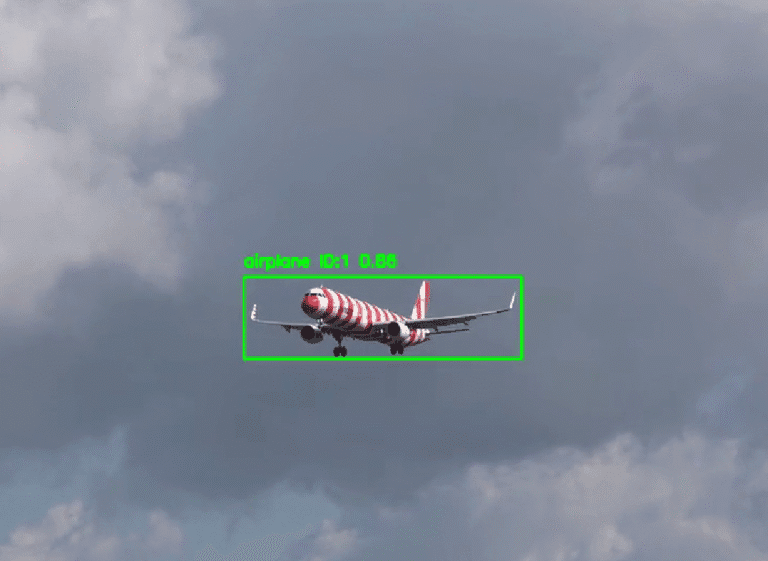
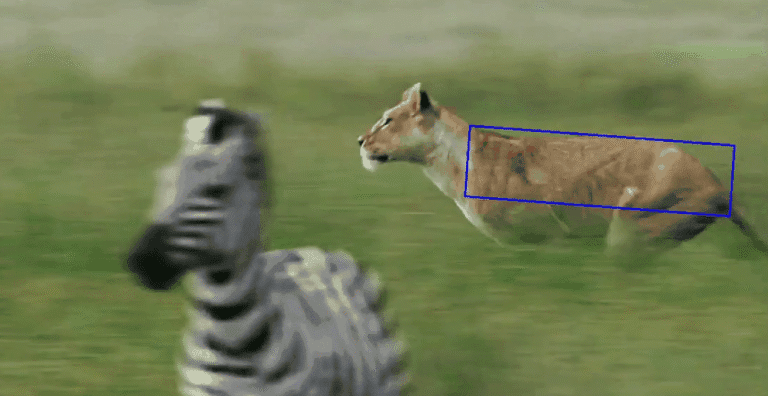
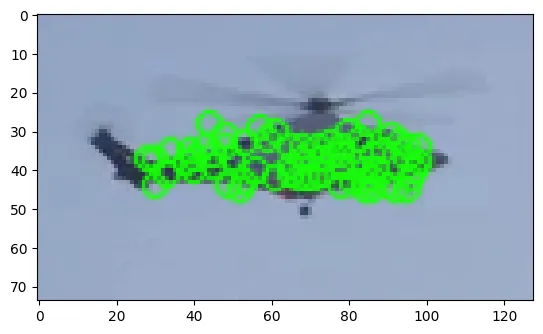
Lucas-Kanade Optical Flow algorithm is a super useful method for tracking and path mapping. By combining feature extraction algorithms with the Lucas-Kanade Optical Flow algorithm, it can be applied to so many things in the computer vision area. Look at the video below and see how perfect it is.
Also, I have a YouTube video about this article, you can watch it.
I saw different explanations for the Lucas-Kanade algorithm, and I think Wikipedia explains it very well, you can read OpenCV documentation for understanding the math behind it
So, what we are going to do is quite simple: we will give the Lucas-Kanade algorithm position data, and it will follow it through frames by assuming that the flow is essentially constant in a local neighborhood of the pixel. For generating position data, Harris Corner detection algorithm will be used.
# Path to video
video_path="videos/bicycle1.mp4"
video = cv2.VideoCapture(video_path)

# read only the first frame for drawing a rectangle for the desired object
ret,frame = video.read()

# I am giving  big random numbers for x_min and y_min because if you initialize them as zeros whatever coordinate you go minimum will be zero
x_min,y_min,x_max,y_max=36000,36000,0,0


def coordinat_chooser(event,x,y,flags,param):
    global go , x_min , y_min, x_max , y_max

    # when you click the right button, it will provide coordinates for variables
    if event==cv2.EVENT_RBUTTONDOWN:

        # if current coordinate of x lower than the x_min it will be new x_min , same rules apply for y_min
        x_min=min(x,x_min)
        y_min=min(y,y_min)

         # if current coordinate of x higher than the x_max it will be new x_max , same rules apply for y_max
        x_max=max(x,x_max)
        y_max=max(y,y_max)

        # draw rectangle
        cv2.rectangle(frame,(x_min,y_min),(x_max,y_max),(0,255,0),1)


    """
        if you didn't like your rectangle (maybe if you made some misclicks),  reset the coordinates with the middle button of your mouse
        if you press the middle button of your mouse coordinates will reset and you can give a new 2-point pair for your rectangle
    """
    if event==cv2.EVENT_MBUTTONDOWN:
        print("reset coordinate  data")
        x_min,y_min,x_max,y_max=36000,36000,0,0

cv2.namedWindow('coordinate_screen')
# Set mouse handler for the specified window, in this case, "coordinate_screen" window
cv2.setMouseCallback('coordinate_screen',coordinat_chooser)


while True:
    cv2.imshow("coordinate_screen",frame) # show only first frame

    k = cv2.waitKey(5) & 0xFF # after drawing rectangle press ESC
    if k == 27:
        cv2.destroyAllWindows()
        break


cv2.destroyAllWindows()

# take region of interest ( take inside of rectangle )
roi_image=frame[y_min:y_max,x_min:x_max]

# convert roi to grayscale
roi_gray=cv2.cvtColor(roi_image,cv2.COLOR_BGR2GRAY)

# Params for corner detection
feature_params = dict(maxCorners=20,  # We want only one feature
                      qualityLevel=0.2,  # Quality threshold
                      minDistance=7,  # Max distance between corners, not important in this case because we only use 1 corner
                      blockSize=7)

first_gray = cv2.cvtColor(frame,cv2.COLOR_BGR2GRAY)

# Harris Corner detection
points = cv2.goodFeaturesToTrack(first_gray, mask=None, **feature_params)

# Filter the detected points to find one within the bounding box
for point in points:
    x, y = point.ravel()
    if y_min <= y <= y_max and x_min <= x <= x_max:
        selected_point = point
        break

# If a point is found, convert it to the correct shape
if selected_point is not None:
    p0 = np.array([selected_point], dtype=np.float32)
    # draw circle around the selected point
    cv2.circle(roi_image, (int(selected_point[0][0])-x_min, int(selected_point[0][1])-y_min), 3, (255, 0, 0), -1)

plt.imshow(roi_image,cmap="gray")

# Parameters for Lucas-Kanade optical flow
lk_params = dict(winSize=(7, 7),  # Window size
                 maxLevel=2,  # Number of pyramid levels
                 criteria=(cv2.TERM_CRITERIA_EPS | cv2.TERM_CRITERIA_COUNT, 10, 0.03))

"""
    Parameters

    winSize --> size of the search window at each pyramid level
    Smaller windows can more precisely track small, detailed features -->   slow or subtle movements and where fine detail tracking is crucial.
    Larger windows is better for larger displacements between frames ,  more robust to noise and small variations in pixel intensity --> require more computations
"""

# Read video
cap = cv2.VideoCapture(video_path)

# Take first frame and find corners in it
ret, old_frame = cap.read()

# width and height of the frame
width = old_frame.shape[1]
height = old_frame.shape[0]

# Create a mask image for drawing purposes
mask = np.zeros_like(old_frame)

# Variables for FPS calculation
frame_count = 0
start_time = time.time()

# Convert the first frame to grayscale
old_gray = first_gray

while True:
    # read frames
    ret, frame = cap.read()
    if not ret:
        break

    # Convert frame to grayscale
    frame_gray = cv2.cvtColor(frame, cv2.COLOR_BGR2GRAY)

    # If p0 is not None, track the point
    if p0 is not None:
        # Calculate optical flow
        p1, st, err = cv2.calcOpticalFlowPyrLK(old_gray, frame_gray, p0, None, **lk_params)
        """
        Parameters of cv2.calcOpticalFlowPyrLK function

        oldImg: First input image (previous frame)
        newImg: Second input image (current frame)
        p0: Input 2D point coordinates in the first image
        None: Mask for the points to be tracked (optional)
        **lk_params: Dictionary of parameters for the Lucas-Kanade method
        """

        # Select  points
        good_new = p1[st == 1]
        good_old = p0[st == 1]


        if len(good_new) > 0:
            # Calculate movement
            a, b = good_new[0].ravel()
            c, d = good_old[0].ravel()

            # Draw the tracks
            mask = cv2.line(mask, (int(a), int(b)), (int(c), int(d)), (0, 255, 0), 2)
            frame = cv2.circle(frame, (int(a), int(b)), 5, (0, 255, 0), -1)

            img = cv2.add(frame, mask)

            # Calculate and display FPS
            elapsed_time = time.time() - start_time
            fps = frame_count / elapsed_time if elapsed_time > 0 else 0
            cv2.putText(img, f"FPS: {fps:.2f}", (width - 200, 30), cv2.FONT_HERSHEY_SIMPLEX, 1, (255, 0, 0), 2, cv2.LINE_AA)

            cv2.imshow('frame', img)

            # Update previous frame and points
            old_gray = frame_gray.copy()
            p0 = good_new.reshape(-1, 1, 2)

        else:
            p0 = None

        # Check if the tracked point is out of frame
        if not (25 <= a < width):
            p0 = None  # Reset p0 to None to detect new feature in the next iteration
            selected_point_distance = 0  # Reset selected point distance when new point is detected


    # Redetect features if necessary
    if p0 is None:
        p0 = cv2.goodFeaturesToTrack(frame_gray, mask=None, **feature_params)
        mask = np.zeros_like(frame)
        selected_point_distance=0

    frame_count += 1

    k = cv2.waitKey(25)
    if k == 27:
        break


cv2.destroyAllWindows()
cap.release()