Physical Address
304 North Cardinal St.
Dorchester Center, MA 02124
Physical Address
304 North Cardinal St.
Dorchester Center, MA 02124
→ Real-Time Object Motion Estimation with Kalman Filter and FAST Algorithm, OpenCV — Both Python and C++ implementations available.
The idea of object tracking with feature extracting algorithms is quite easy, you need to find objects’ features(corners, colors, texture etc.) one time, and for each frame, you need to check if the same features exist. If there are strong matches, it is likely it is your target object.
When it comes to predicting objects motion, we need something different than feature extraction algorithms. The Kalman filter is exactly what you need for object motion prediction. With the Kalman filter you can predict the location of your object after some time.
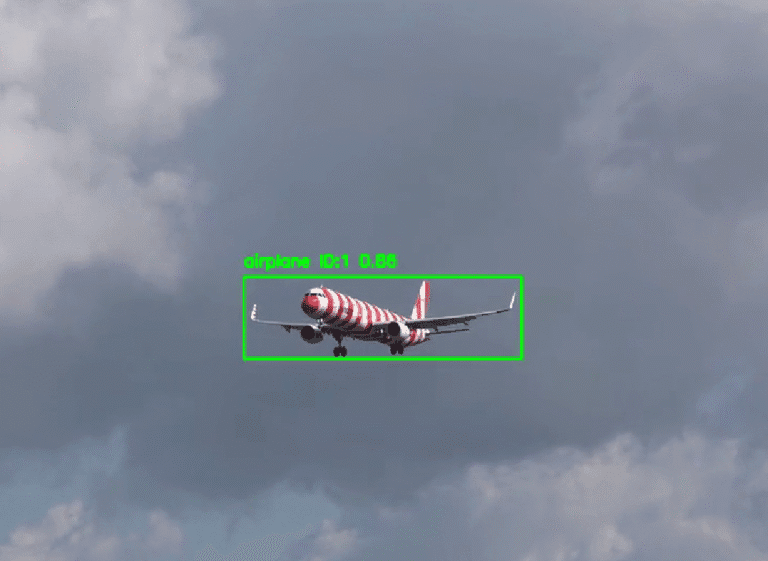
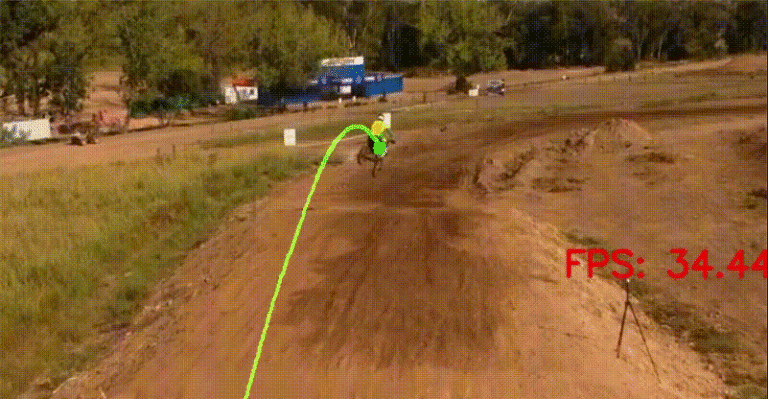
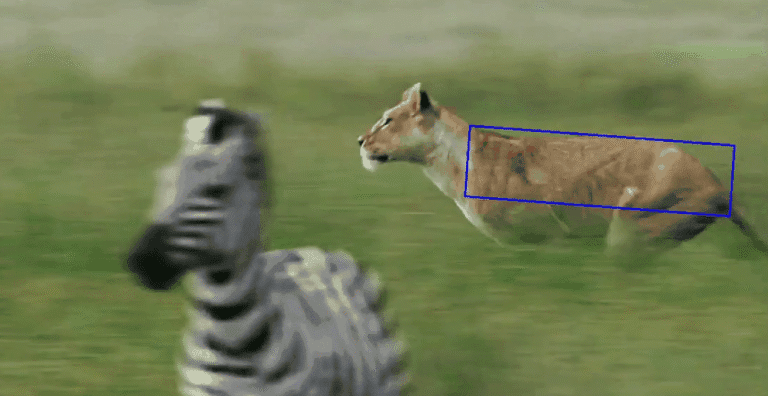
You can use Kalman filter with object detection models like YOLO as well, because YOLO has options for tracking beside detection. In this way, you can create more powerful motion prediction systems, because using feature extraction algorithms might not be accurate all the time, for example:
You can start with feature extraction algorithms, and later you can move on with more advanced models
Read steps and have a look at the chart, I tried to summarize the main idea.

There are 5 main steps, I will explain all of them one by one.
import cv2
import numpy as np
import matplotlib.pyplot as plt
import time
Draw rectangle with left mouse button around to the target object, features are going to be extracted from this rectangle.
# Path to video, change here
video_path = r"videos/helicopter3.mp4"
video = cv2.VideoCapture(video_path)

# read only the first frame for drawing a rectangle for the
# target object
ret,frame = video.read()

"""
target object coordinates, they will be updated based on mouse input
"""
x_min,y_min,x_max,y_max=36000,36000,0,0

# function for choosing target objects coordinates
def coordinat_chooser(event,x,y,flags,param):
    global go , x_min , y_min, x_max , y_max

    # click the right button for drawing rectangle
    if event==cv2.EVENT_LBUTTONDOWN:

        # update coordinates
        x_min=min(x,x_min)
        y_min=min(y,y_min)
        x_max=max(x,x_max)
        y_max=max(y,y_max)

        # draw rectangle
        cv2.rectangle(frame,(x_min,y_min),(x_max,y_max),(0,255,0),1)


    """
    if  rectangle is not surrounding target object,  reset the      coordinates with the middle button of mouse
    """
    if event==cv2.EVENT_MBUTTONDOWN:
        print("reset coordinate  data")
        x_min,y_min,x_max,y_max=36000,36000,0,0

cv2.namedWindow('coordinate_screen')
# Set mouse handler for the specified window
cv2.setMouseCallback('coordinate_screen',coordinat_chooser)

while True:
    cv2.imshow("coordinate_screen",frame) # show only the first frame

    k = cv2.waitKey(5) & 0xFF # press ESC for quit
    if k == 27:
        cv2.destroyAllWindows()
        break

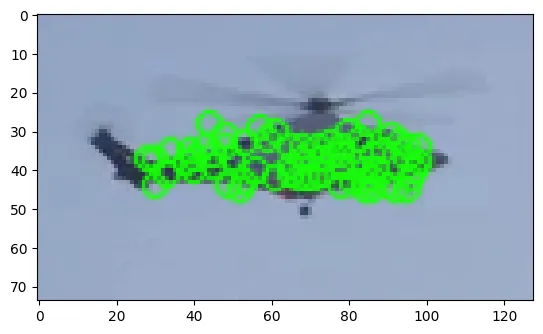
Extract features from target object with the FAST Algorithm.
# take roi (region of interest)
roi_image=frame[y_min+2:y_max-2,x_min+2:x_max-2]
roi_rgb=cv2.cvtColor(roi_image,cv2.COLOR_BGR2RGB)

# convert it to grayscale, SIFT Algorithm works with grayscale
roi_gray=cv2.cvtColor(roi_image,cv2.COLOR_BGR2GRAY)

# Initialize the FAST detector and BRIEF descriptor extractor
fast = cv2.FastFeatureDetector_create(threshold=1)
brief = cv2.xfeatures2d.BriefDescriptorExtractor_create()

# extract keypoints
keypoints_1 = fast.detect(roi_gray, None)
# compute descriptors
keypoints_1, descriptors_1 = brief.compute(roi_gray, keypoints_1)

# draw keypoints
keypoints_image = cv2.drawKeypoints(roi_rgb, keypoints_1, outImage=None, color=(23, 255, 10))

plt.imshow(keypoints_image,cmap="gray")
# create matcher object
bf = cv2.BFMatcher()

def detect_target_fast(frame):
    # convert BGR to gray scale
    frame_gray = cv2.cvtColor(frame, cv2.COLOR_BGR2GRAY)

    # Detect keypoints using FAST
    keypoints_2 = fast.detect(frame_gray, None)

    # Compute descriptors using BRIEF
    keypoints_2, descriptors_2 = brief.compute(frame_gray, keypoints_2)

    """
    Compare the descriptors extracted from the
    target object with those extracted from the current frame.
    """
    if descriptors_2 is not None:
        matches = bf.match(descriptors_1, descriptors_2)

        if matches:
            # variables for x and y coordinates
            sum_x = 0
            sum_y = 0
            match_count = 0

            for match in matches:
                # .trainIdx gives keypoint index
                train_idx = match.trainIdx

                # current frame keypoints coordinates
                pt2 = keypoints_2[train_idx].pt

                # Sum the x and y coordinates
                sum_x += pt2[0]
                sum_y += pt2[1]
                match_count += 1

            # Calculate average of coordinates
            avg_x = sum_x / match_count
            avg_y = sum_y / match_count

    return int(avg_x),int(avg_y)
You can check OpenCV documentation for more information about the Kalman Filter.
# Initialize Kalman filter
kalman = cv2.KalmanFilter(4, 2)

kalman.measurementMatrix = np.array([[1, 0, 0, 0], [0, 1, 0, 0]], np.float32)
kalman.transitionMatrix = np.array([[1, 0, 1, 0], [0, 1, 0, 1], [0, 0, 1, 0], [0, 0, 0, 1]], np.float32)

# Process noise
kalman.processNoiseCov = np.eye(4, dtype=np.float32) * 0.03
# Measurement noise
kalman.measurementNoiseCov = np.eye(2, dtype=np.float32) * 0.5
# read video
cap = cv2.VideoCapture(video_path)

while True:
    ret, frame = cap.read()
    if not ret:
        break

    # Predict the new position
    predicted = kalman.predict()
    predicted_x, predicted_y = int(predicted[0]), int(predicted[1])
    # Predict velocity
    predicted_dx, predicted_dy = predicted[2], predicted[3]

    print(predicted_x, predicted_y )
    print(f"Predicted velocity: (dx: {predicted_dx}, dy: {predicted_dy})")


    # Detect the target object in the current frame
    # Look step 3 for this function
    ball_position = detect_target_fast(frame)

    if ball_position:
        measured_x, measured_y = ball_position
        # Correct the Kalman Filter with the actual measurement
        kalman.correct(np.array([[np.float32(measured_x)], [np.float32(measured_y)]]))
        # Draw the target object
        cv2.circle(frame, (measured_x, measured_y), 6, (0, 255, 0), 2) # green --> correct position

    # Draw the predicted position (result of the Kalman Filter)
    # red circle --> predicted position
    cv2.circle(frame, (predicted_x, predicted_y), 8, (0, 0, 255), 2)

    cv2.imshow("Kalman Ball Tracking", frame)

    # Press Q for exit
    if cv2.waitKey(30) & 0xFF == ord('q'):
        break

cap.release()
cv2.destroyAllWindows()